Integration paths
Workflow integrations across your toolchain
SIMBA supports multiple integration modes depending on how your team works. The cards below highlight some of
the most common workflow paths, while additional integration options remain available across the wider toolchain.
⟨/⟩
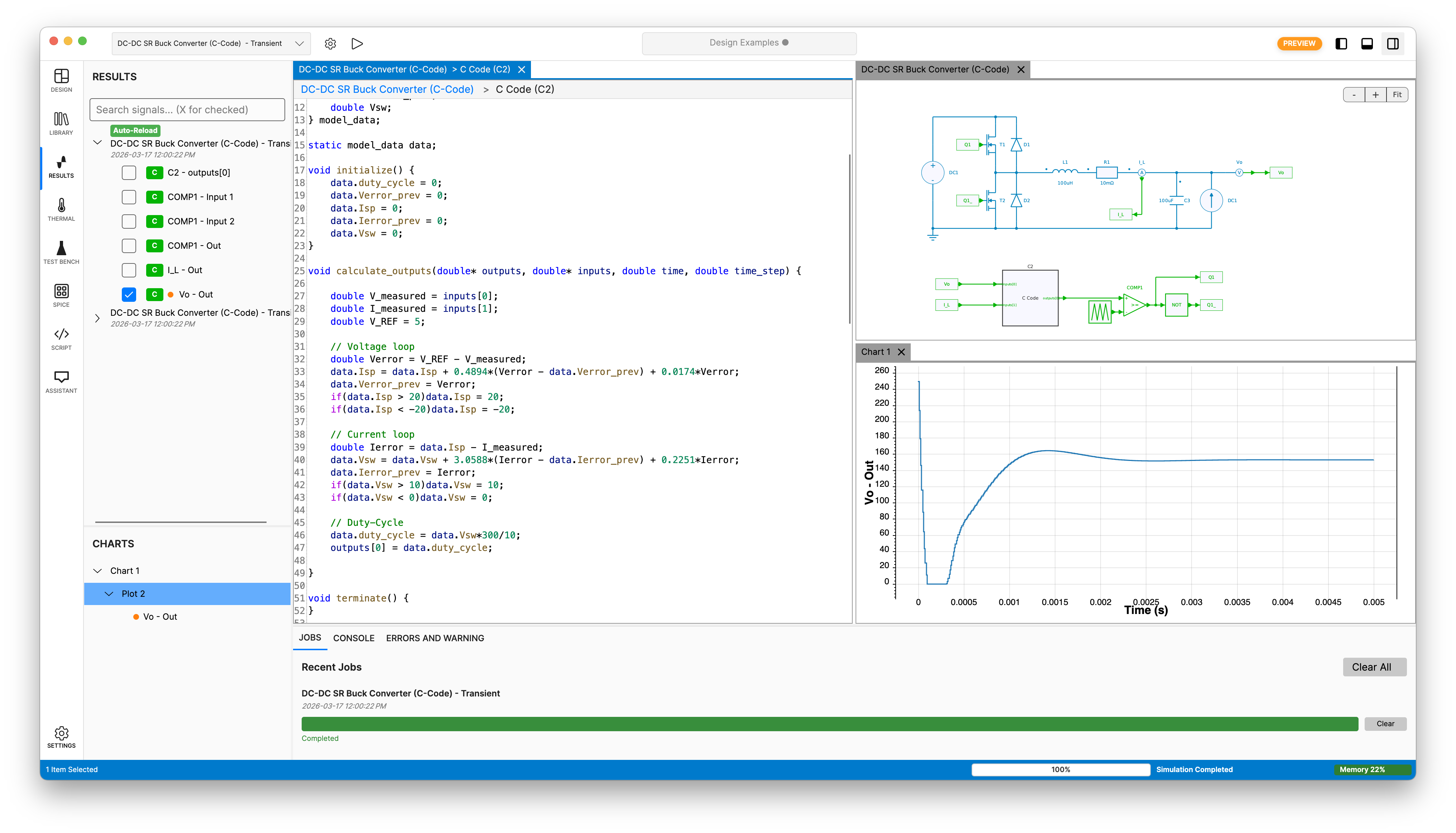
Python module
Native programmatic access to SIMBA from scripts, notebooks, CI pipelines, and HPC jobs.
- Native Python access to SIMBA for automation and scripting workflows
- Automate parameter sweeps, regression runs, and reporting pipelines
- Work directly in notebooks for interactive studies, analysis, and reporting
- Call SIMBA from MATLAB through the Python bridge when needed
More info
⚡
JMAG and JMAG-RT
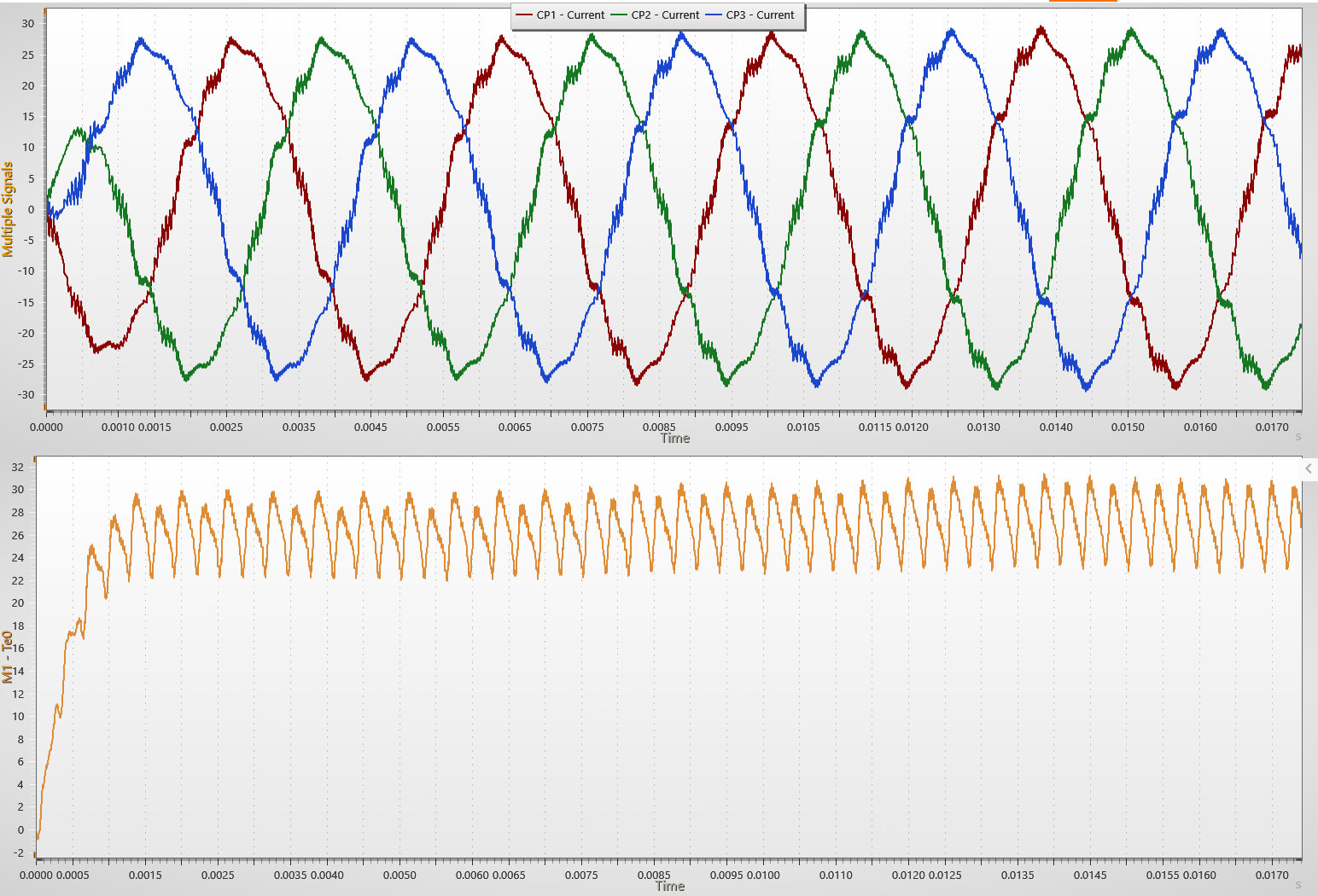
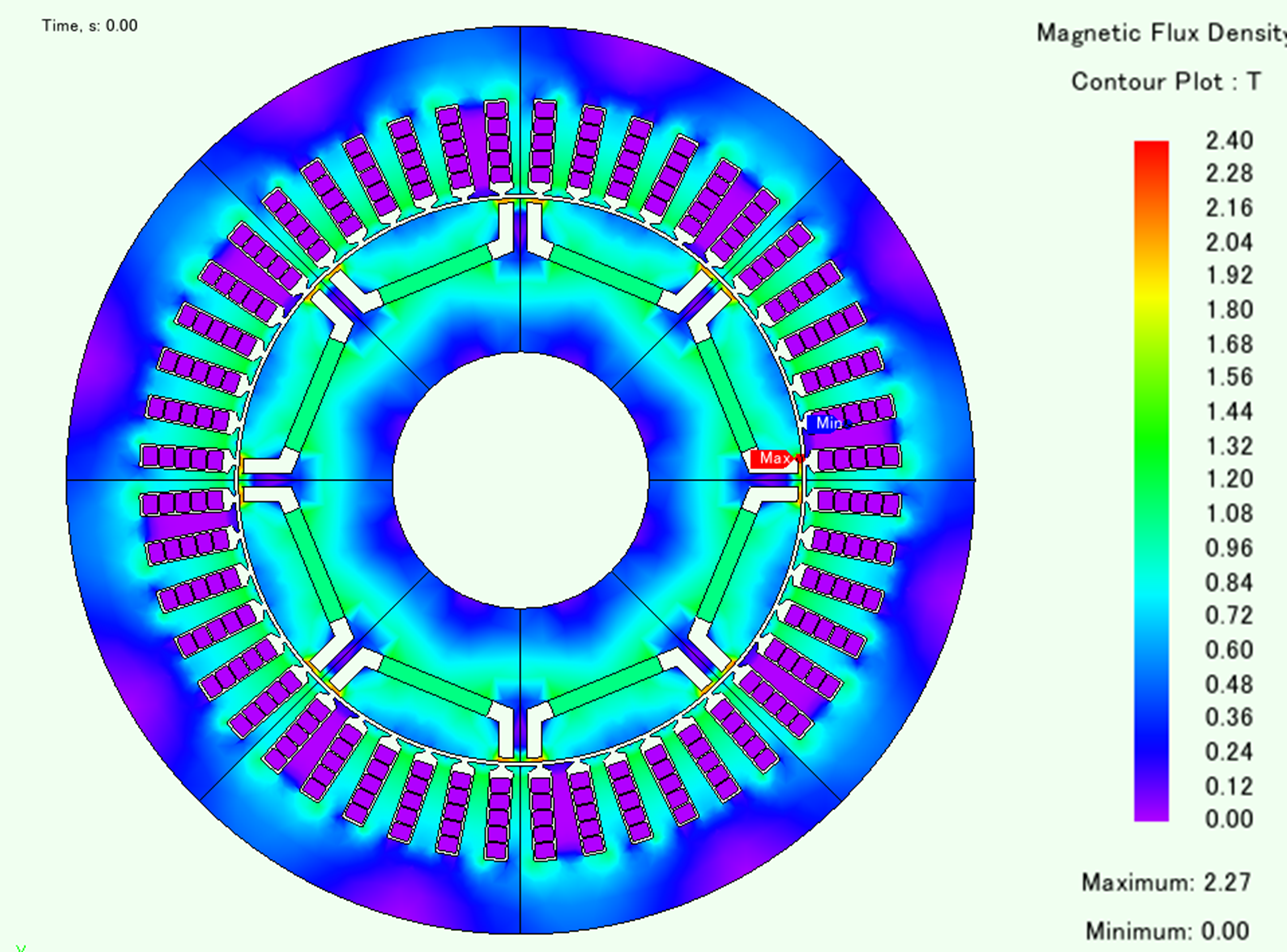
Connect detailed Finite Element Analysis models and fast FEA-based reduced models inside the same workflow.
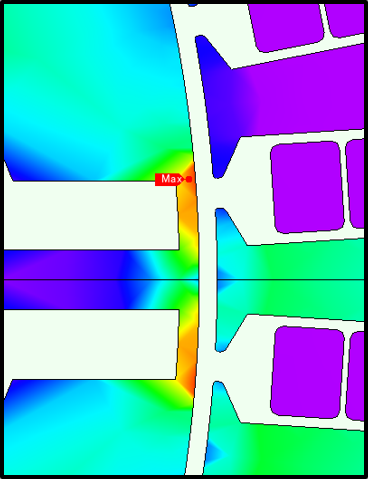
- JMAG Direct Coupling enables co-simulation between SIMBA circuits and JMAG Finite Element Analysis models
- Use it for motors as well as for other types of magnetics when electromagnetic detail matters
- JMAG-RT provides FEA-based look-up tables for faster repeated operating-point studies and map generation
- Keep detailed physics and reduced-model workflows aligned in one engineering process
⇄
FMI 3.0
Package SIMBA models as FMUs so they can be used inside broader system simulations.
- Compatible with the FMI Standard 3.0
- Export FMI 3.0 FMUs for co-simulation workflows
- Hundreds of tools support the standard, including MATLAB Simulink
- Export only for now. FMU import into SIMBA is planned and will arrive soon